BoringPDF
- Productivity
- App
- Product design
- Product engineering
- Launch film
Overview
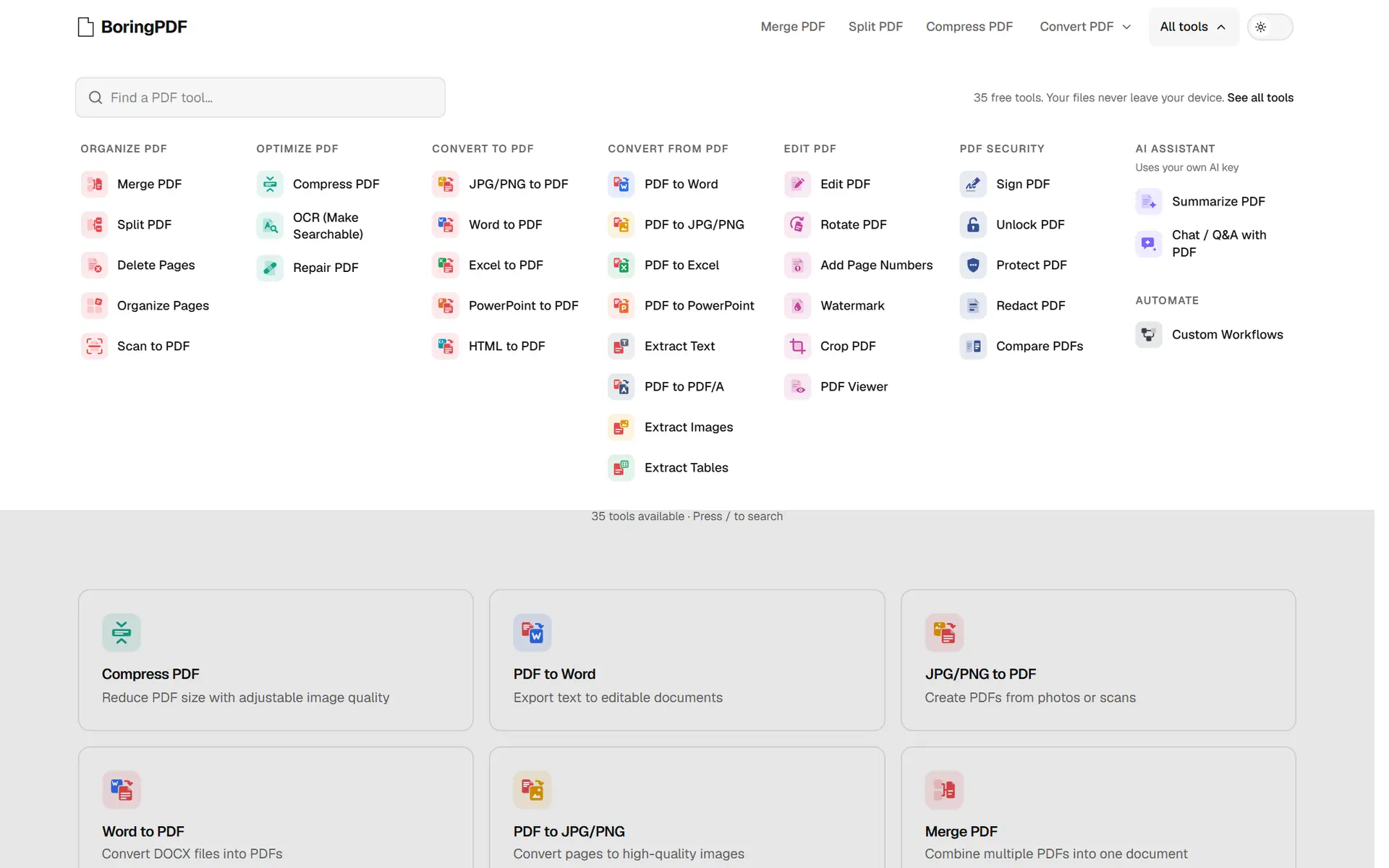
BoringPDF is a toolkit for PDFs, images and documents: 35 tools to merge, split, compress, convert, sign, redact, OCR and compare.
We designed and built the product, from the tool finder to the engines that do the work, and made its launch film.
Visit websiteChallenge
Most PDF sites upload your documents to a server and wrap every tool in adverts and sign-up walls.
For contracts, payslips and IDs, the upload is the part people mind most.
Doing the work in the browser instead means running an office suite and OCR on whatever device the visitor has, without the interface ever feeling heavy.
Outcome
Every document tool runs in the browser on WebAssembly engines, among them PDF.js, PyMuPDF, Tesseract and LibreOffice. Files are not uploaded.
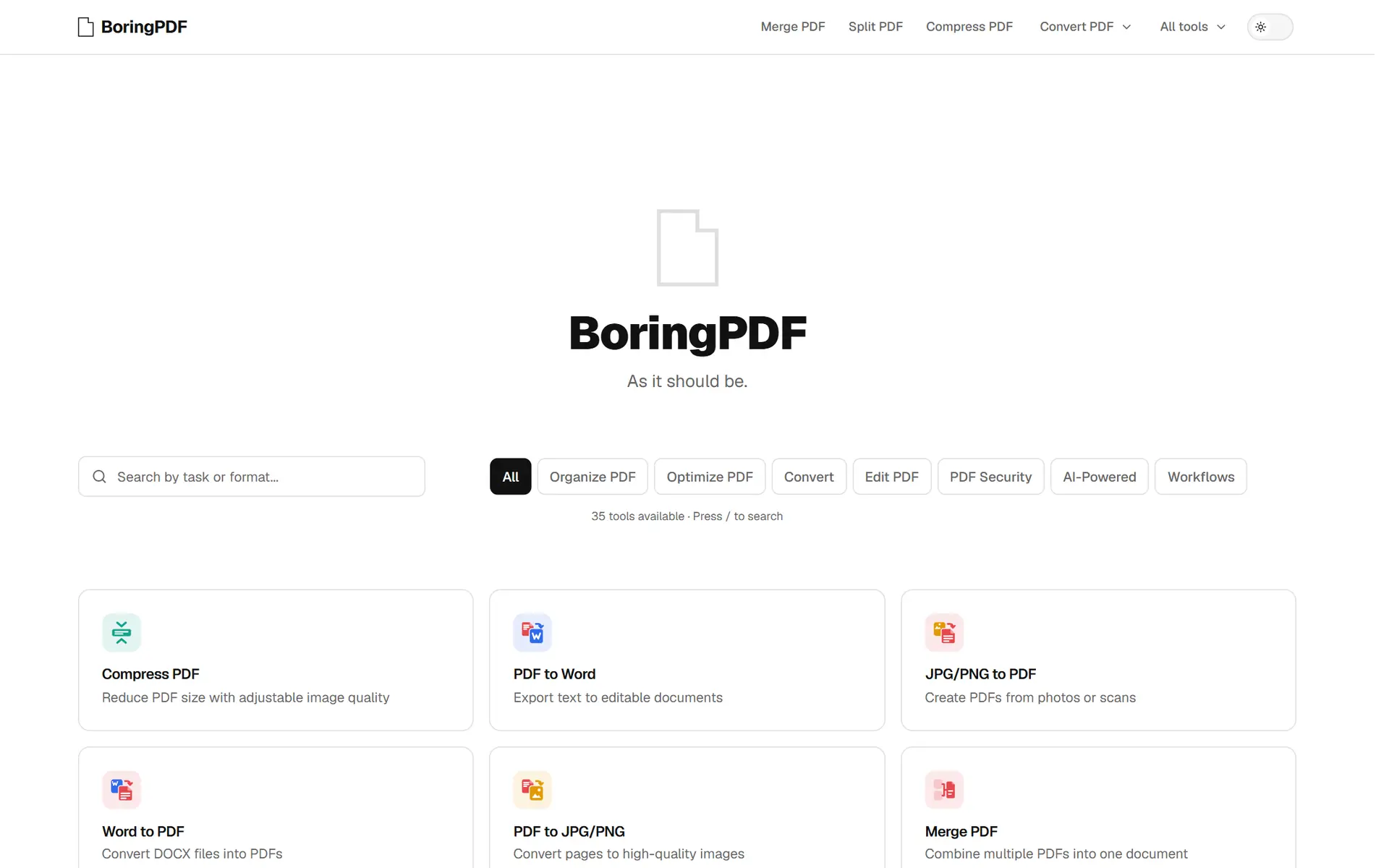
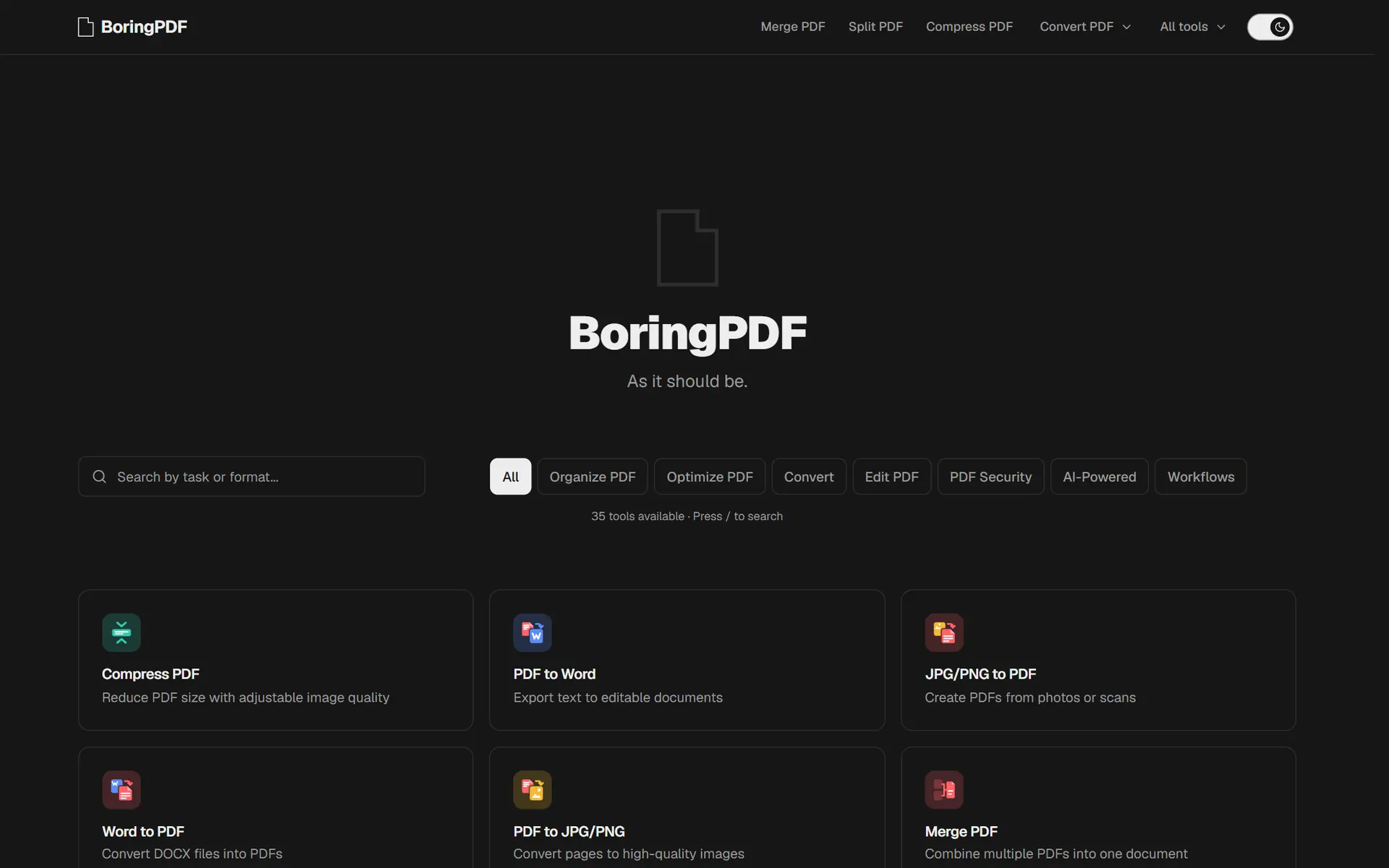
The interface is monochrome on purpose, set in Geist, with colour kept for the tool badges. The home page is the tool finder: search, categories and every tool at once.
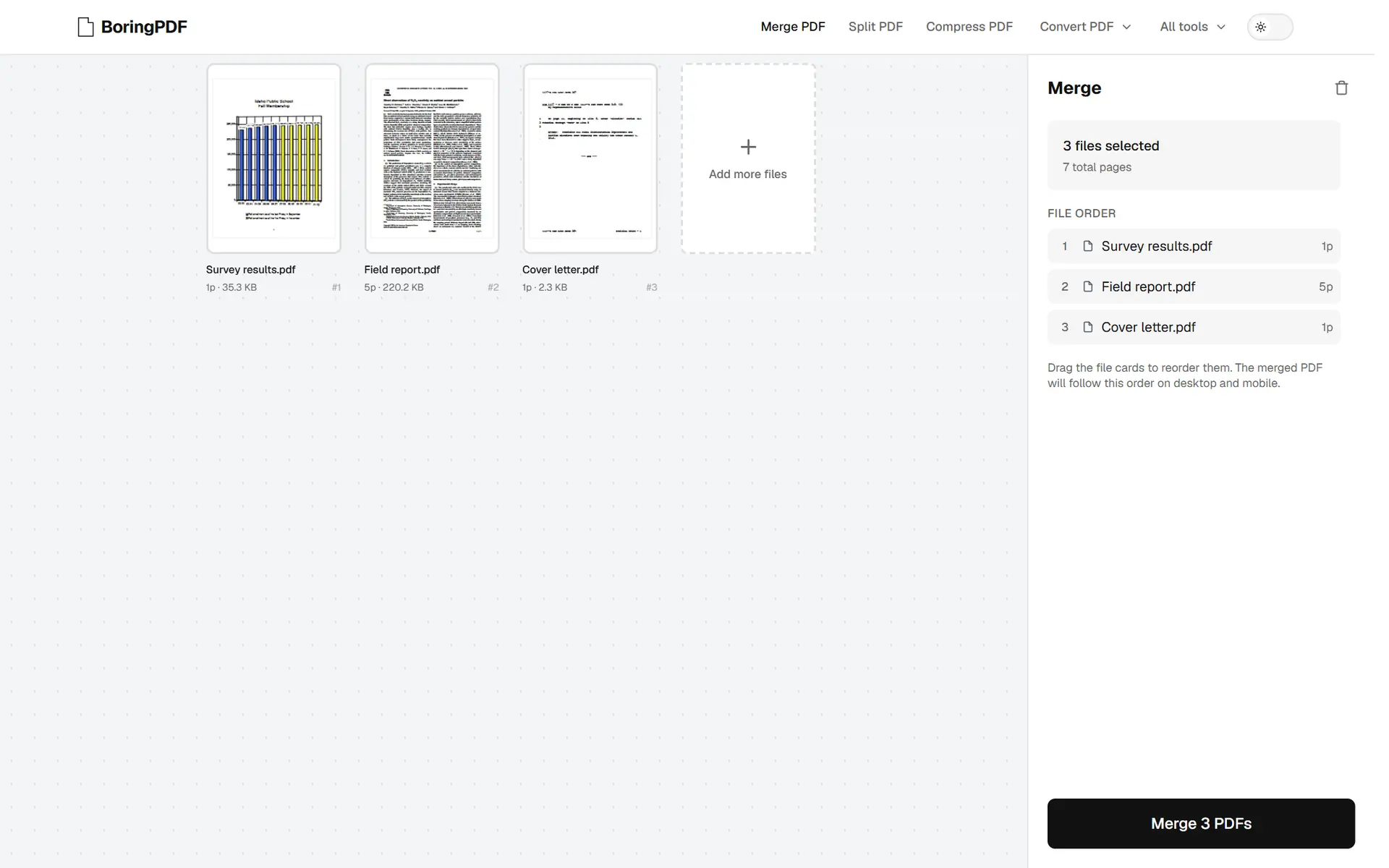
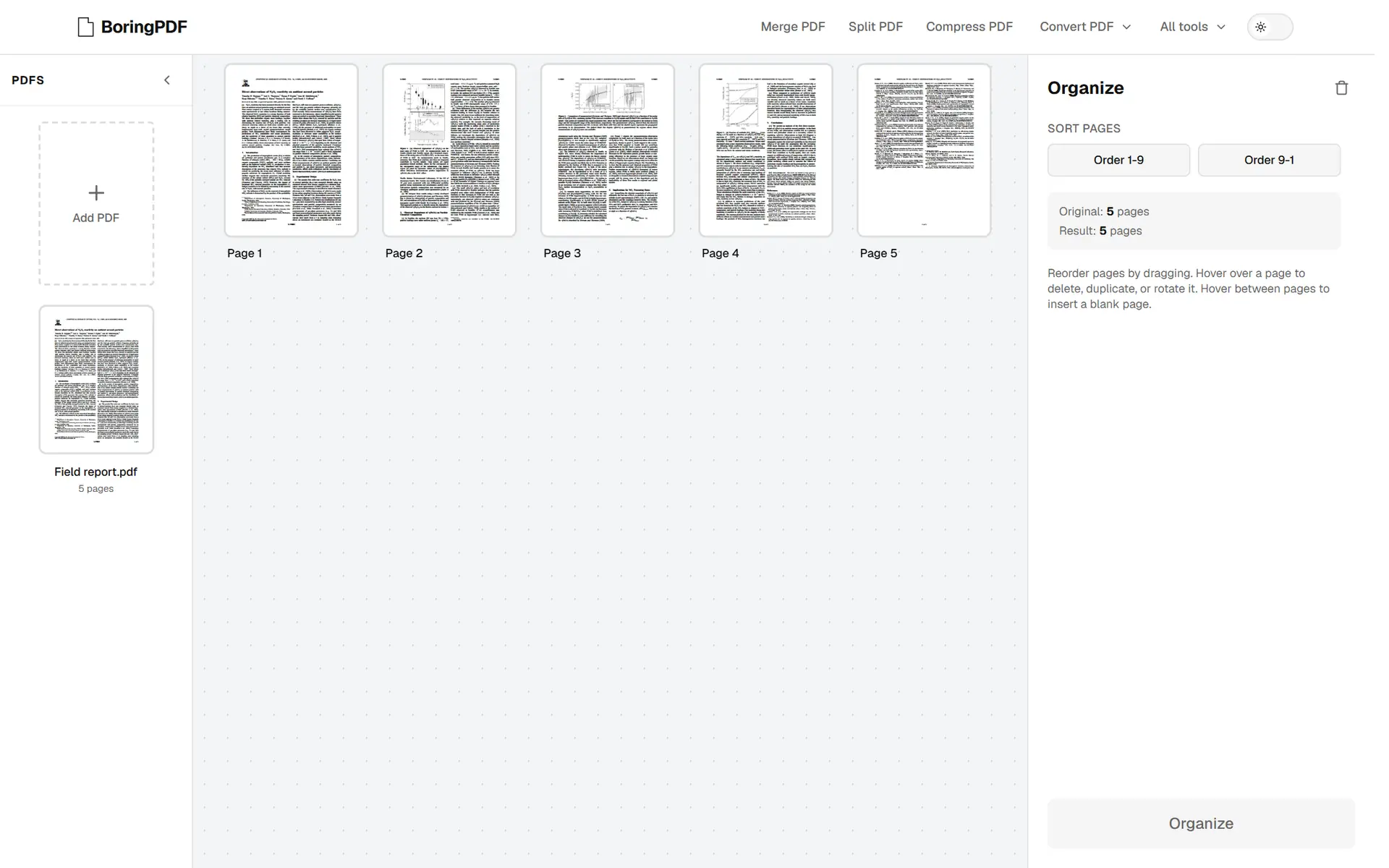
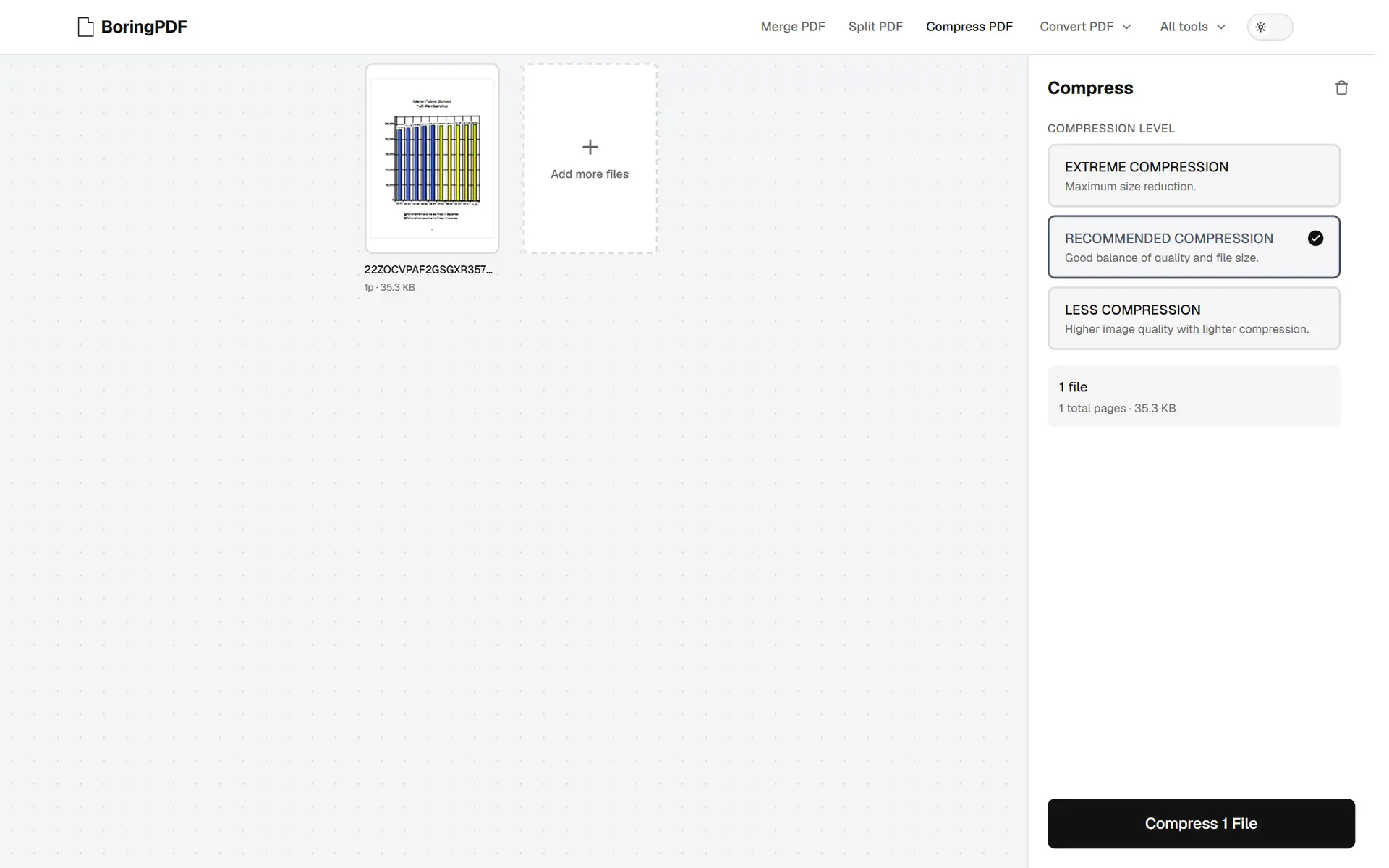
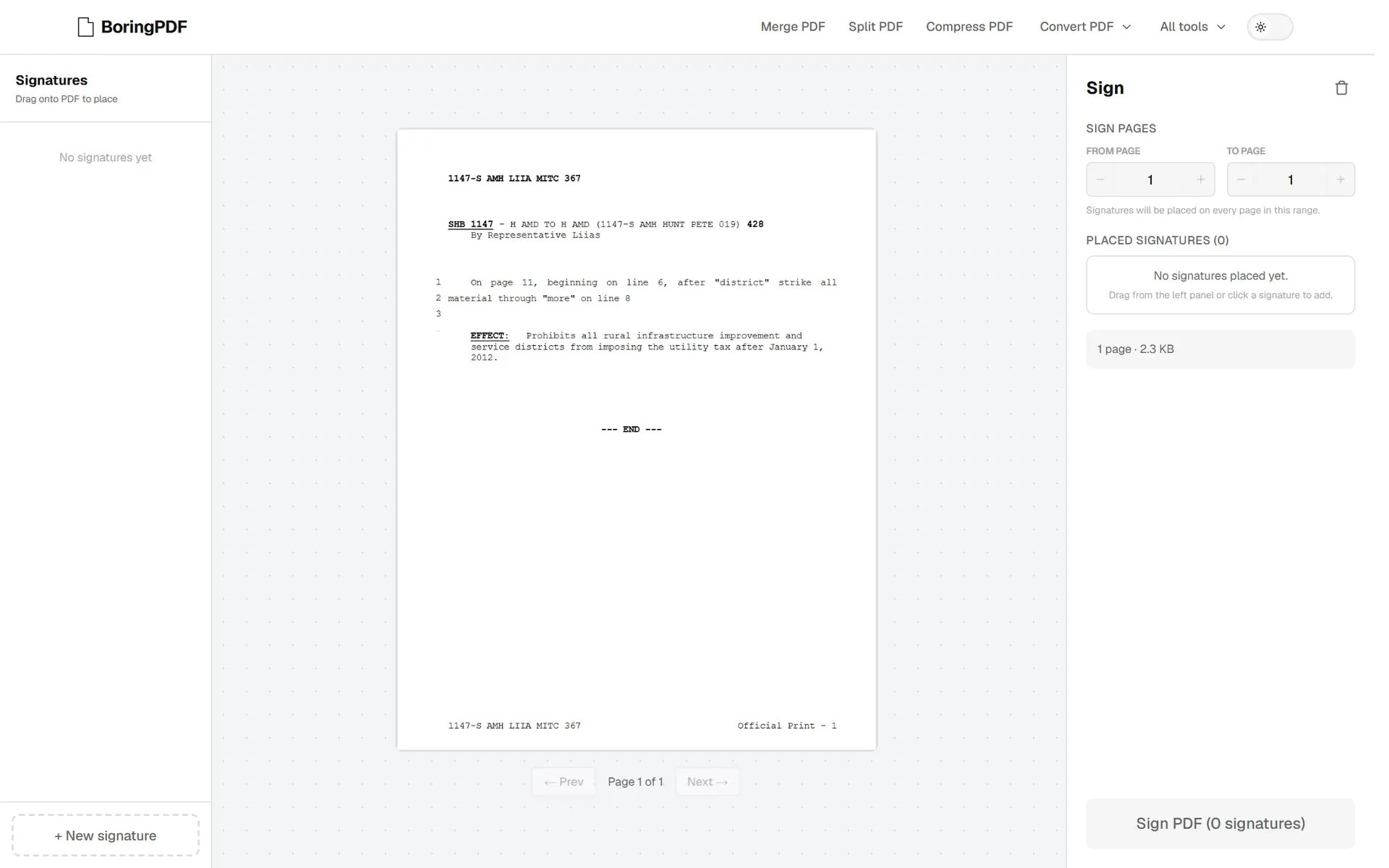
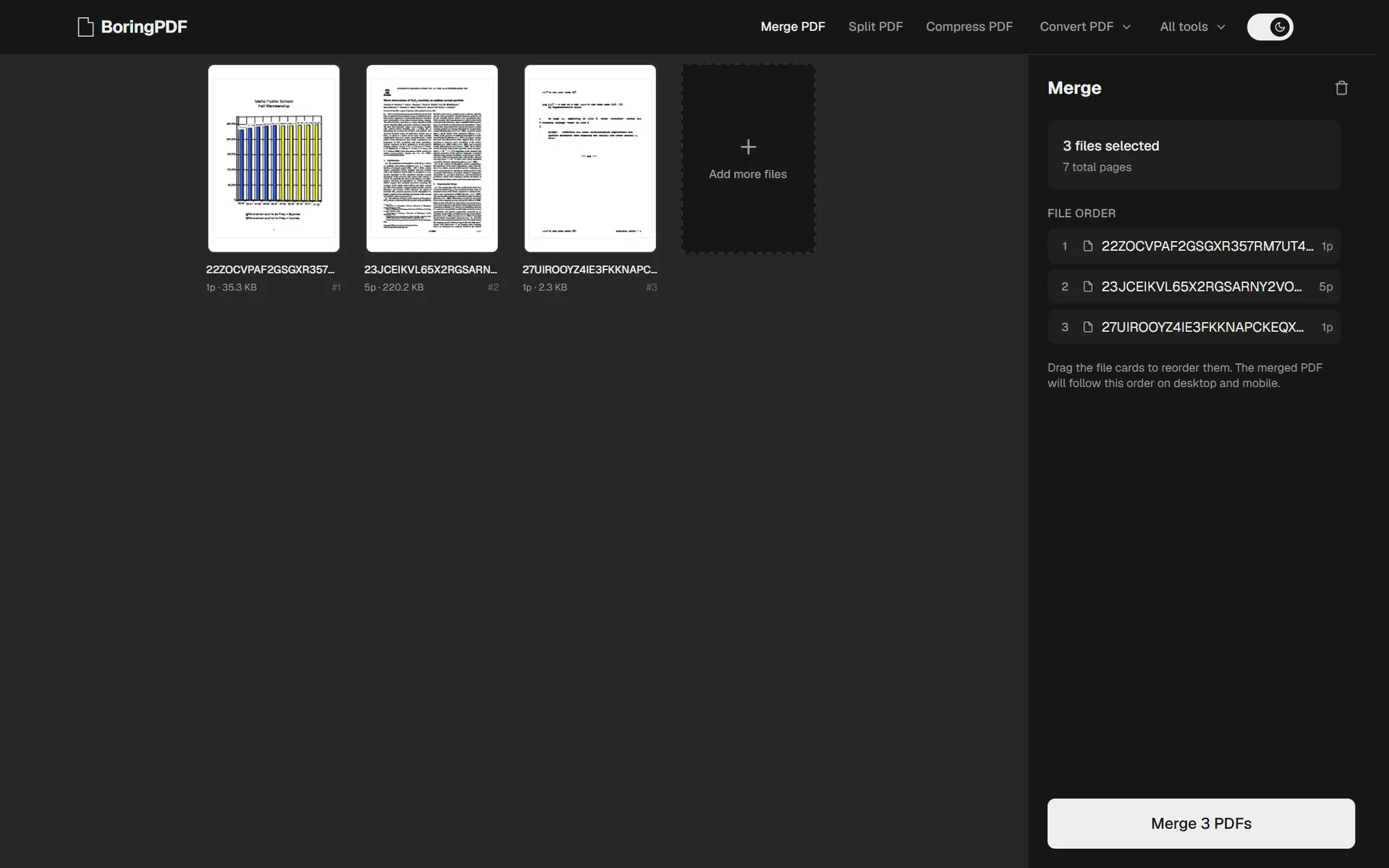
Every tool shares one workspace: files on the left, options and a single action on the right. Learn one tool and you know all of them.
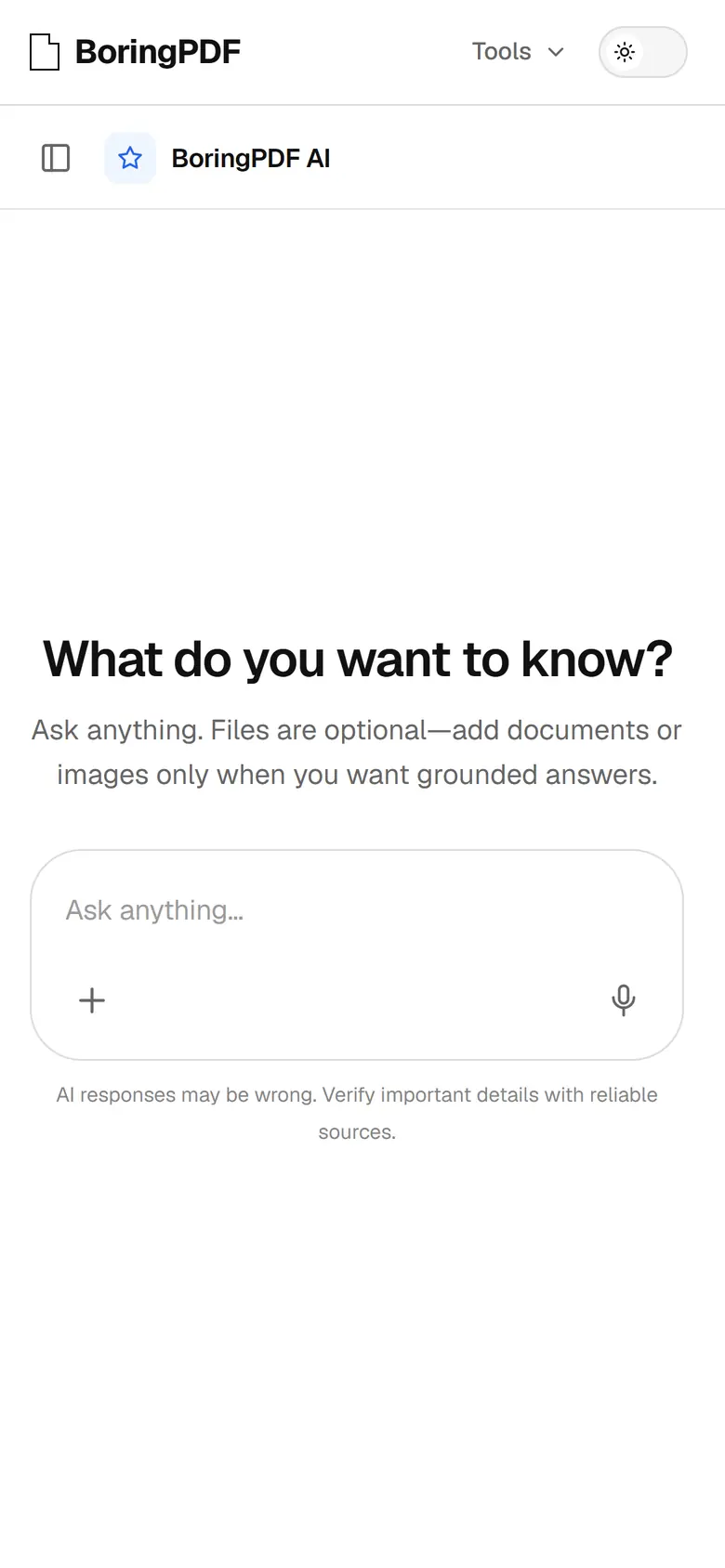
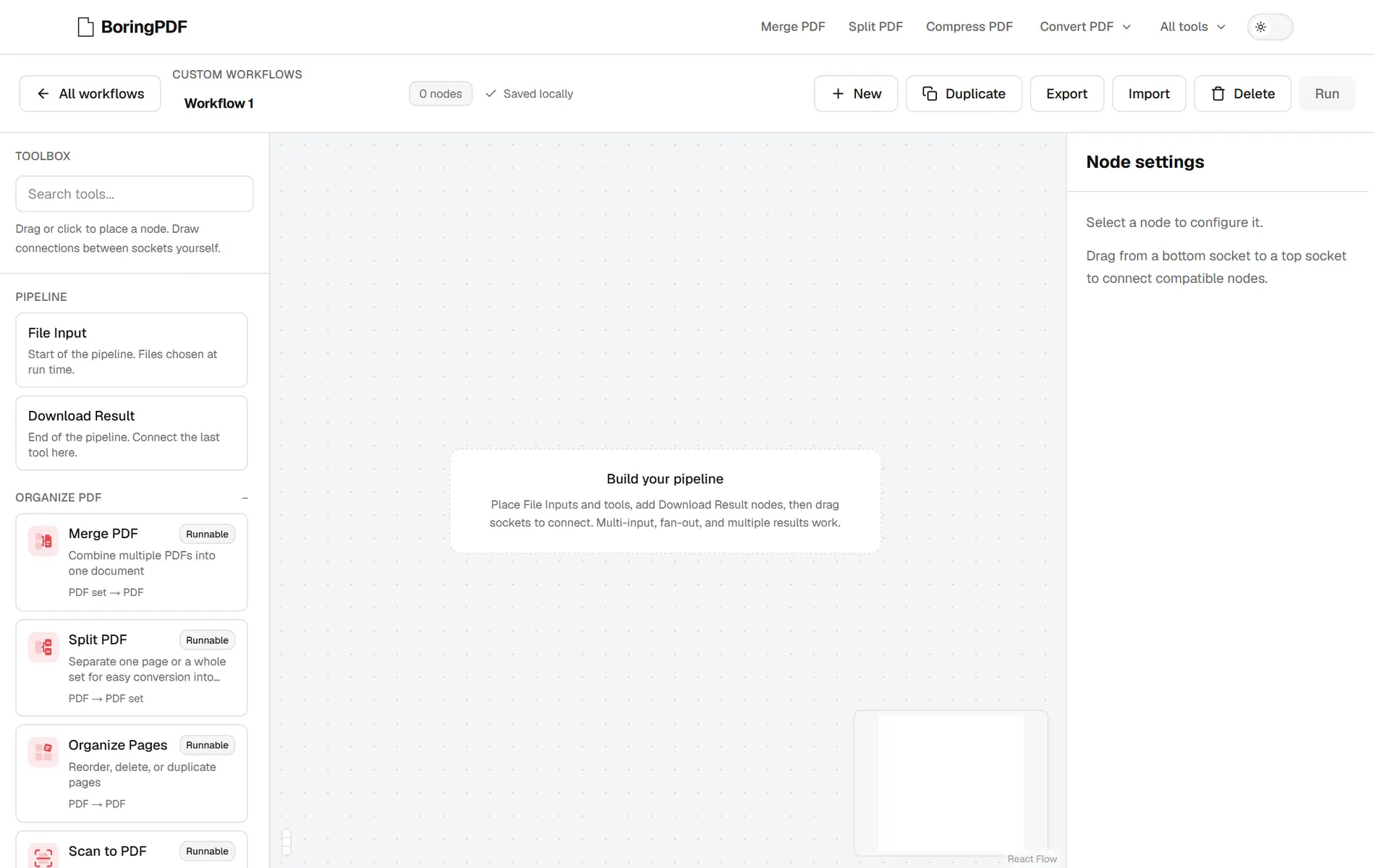
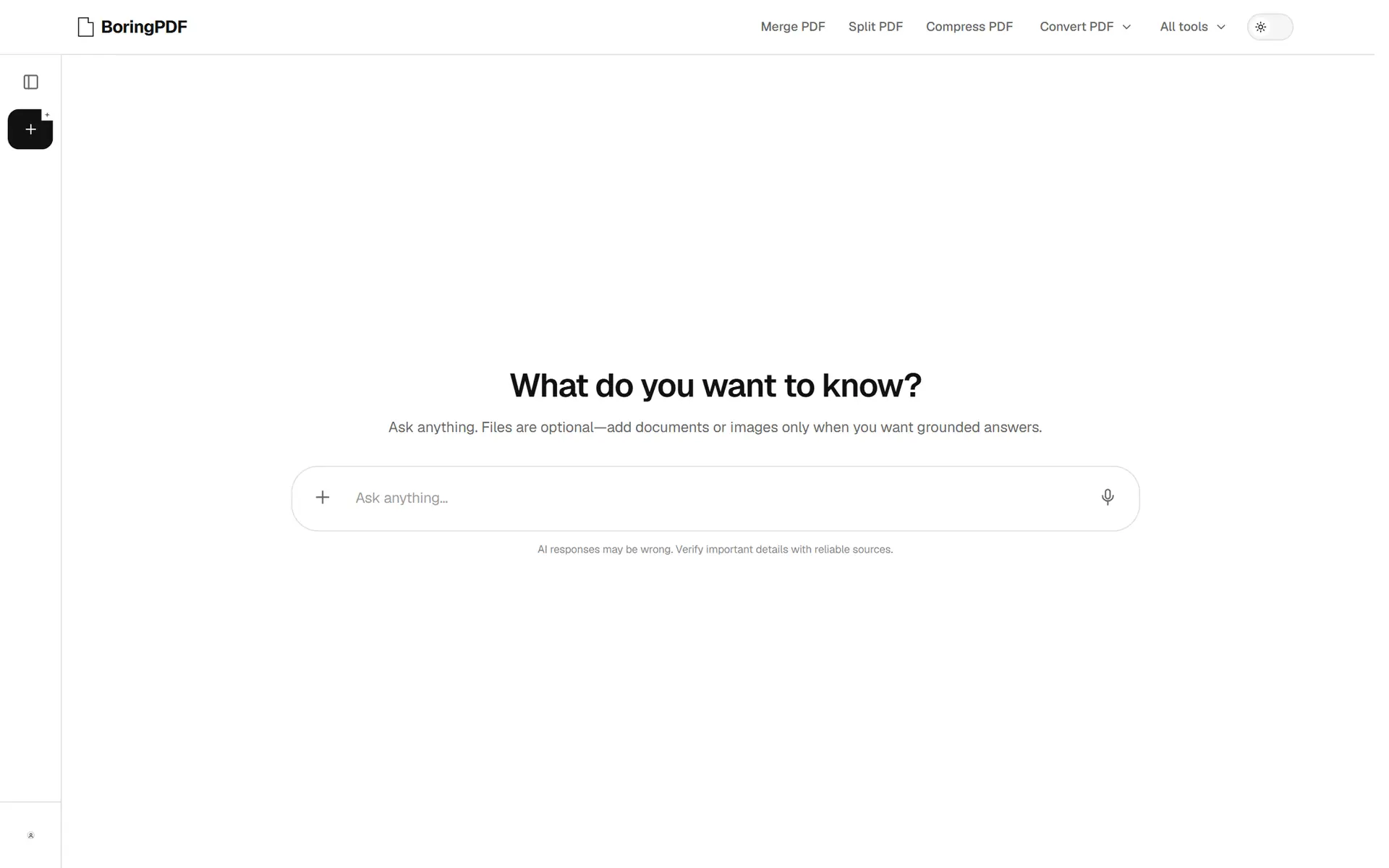
Custom workflows chain tools into a pipeline you build on a canvas. The assistant summarises a document and answers questions about it on your own AI key.
For the launch we made a type-led film in Remotion, cut to the beat of its music.
Highlights
One workspace, from desktop to phone
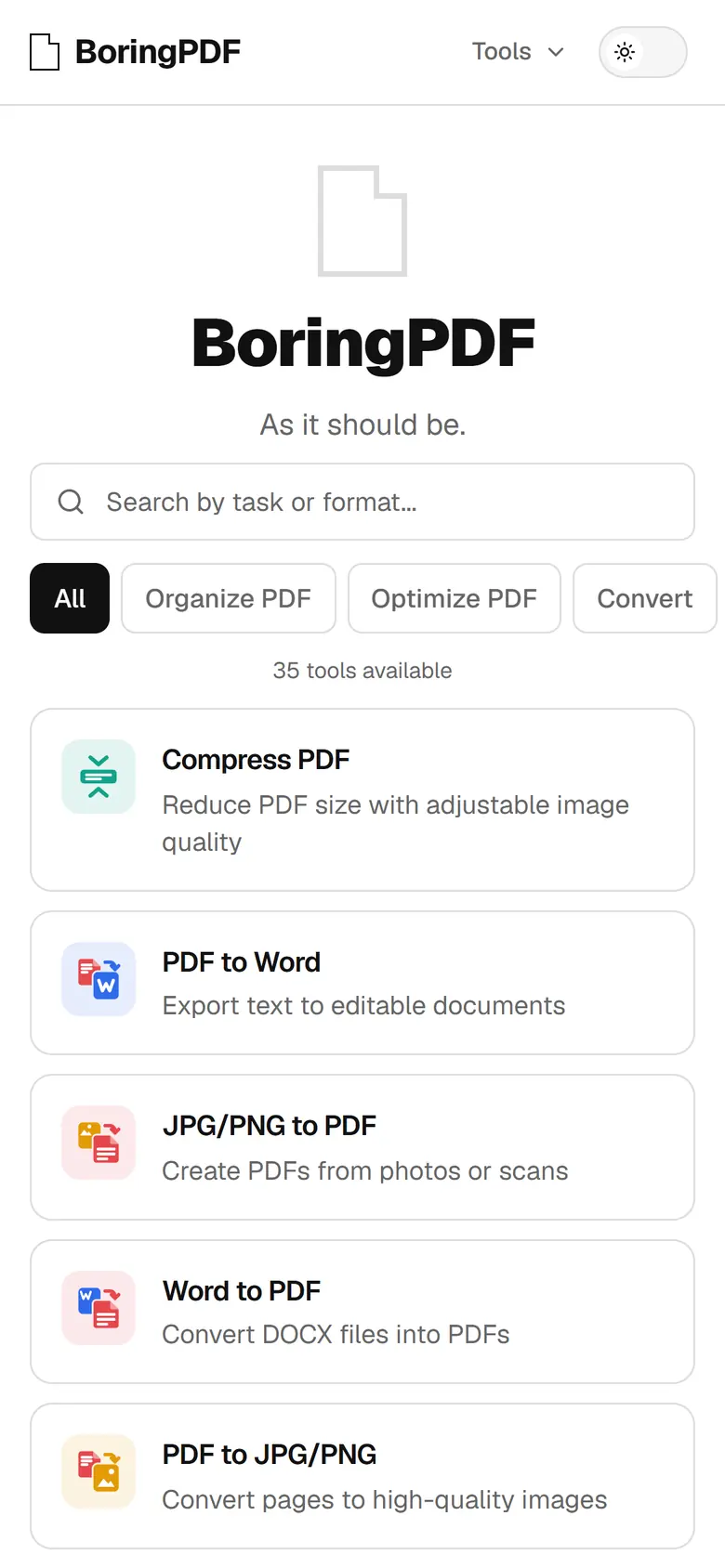
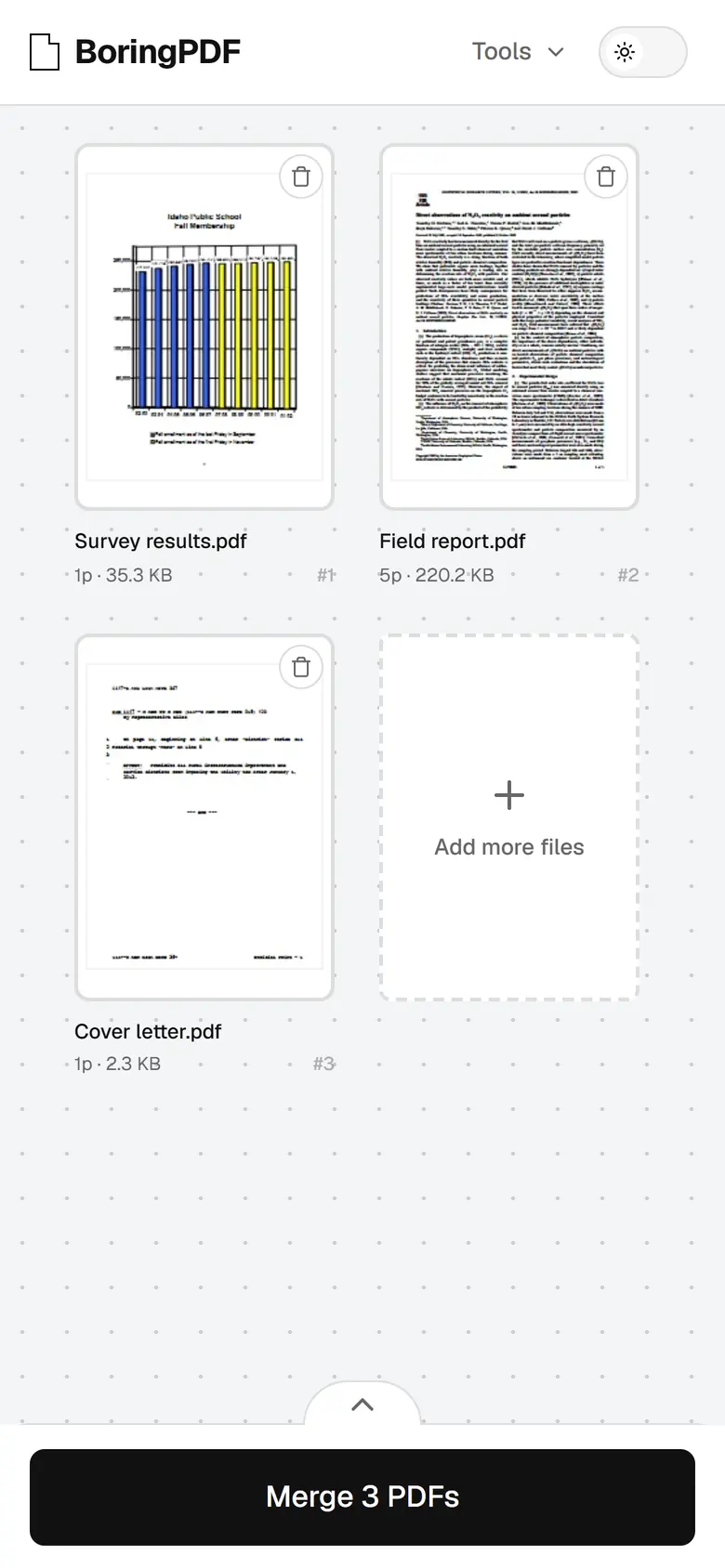
Every tool shares one workspace: pages on the left, the document in the middle, options and the one action on the right. On a phone the same workspace has a third of the width, and nothing can go missing.
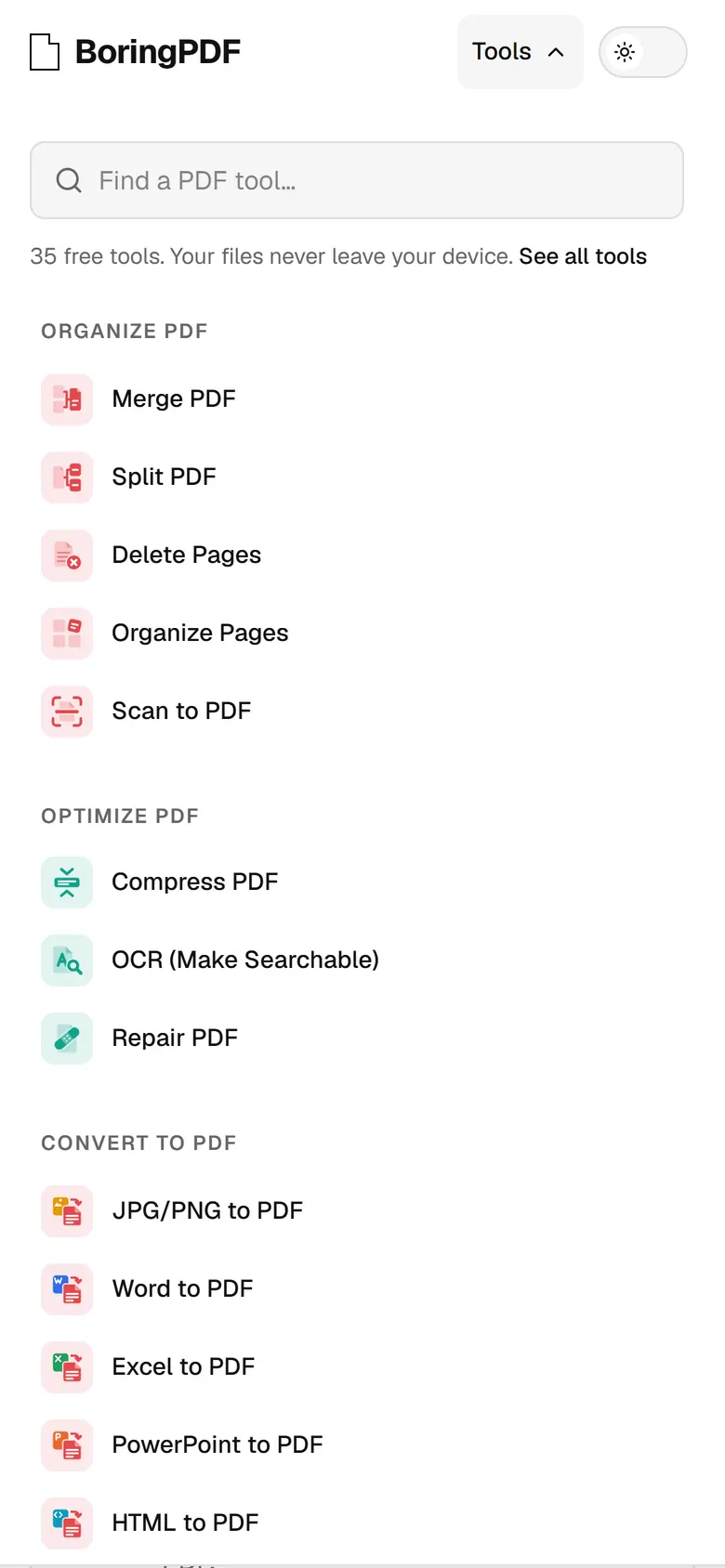
So the sidebars fold instead of disappearing. On narrower screens the options become a sheet that rises from the bottom, with the action always in reach. On a phone the page thumbnails give way to the floating page bar, and the document gets the whole width.
Drag the edge of the workspace to fold it yourself.
A dead end that isn’t
A mistyped link usually ends on a bare “404”. On BoringPDF the mascot, a page wearing headphones, floats calmly above a pile of paperwork, and the six most-used tools drift around it as papers you can open.
It is all line art drawn in the text colour on the page colour, so the dark theme needs no second drawing. Try the switch.
This page doesn't exist
Gallery
Tools used
Next.js, TypeScript, WebAssembly, PDF.js, PyMuPDF, Tesseract, LibreOffice, Cloudflare Pages, Remotion